
EA SPORTS FC 27 Controls
Classic pad map, new PC keyboard layouts, and the defending inputs the 2026 gameplay actually rewards.
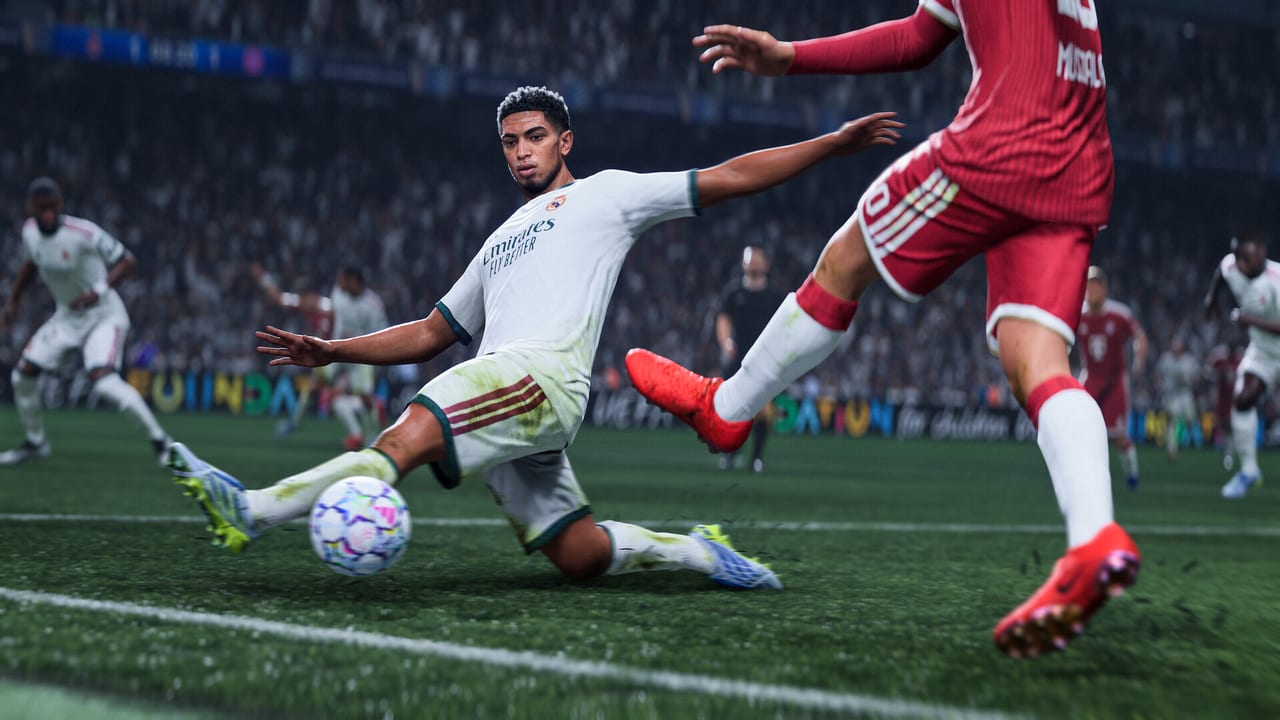
FC 27 still speaks Classic controls. Cross / A passes, Circle / B shoots, Triangle / Y plays the through ball, Square / X crosses. What changed is how much those buttons have to do, because AI defenders no longer auto-tackle for you. Learn the map once, then spend your time on jockey, switch, and tackle timing. Pair this page with Gameplay so you know why a larger stand-tackle range exists, with Getting Started if you have not set Competitive versus Authentic yet, and with the Tier List Hub when you lock a formation and Role setup that actually matches how you defend.
All tables below use Classic. Alternate and custom bindings exist in Controller Settings on every platform. Competitive discussions assume Classic.
Basic on-ball
| Action | PlayStation | Xbox |
|---|---|---|
| Move player | Left stick | Left stick |
| Sprint | R2 (hold) | RT (hold) |
| Ground pass / header | Cross | A |
| Through pass | Triangle | Y |
| Lob pass / cross / header | Square | X |
| Shoot / volley / header | Circle | B |
| Shield / protect ball | L2 | LT |
| Controlled sprint | R1 (hold) | RB (hold) |
| Strafe / agile dribble | L1 + left stick | LB + left stick |
| Skill moves | Right stick | Right stick |
| Fake shot | Circle then Cross + direction | B then A + direction |
| Fake pass | Square then Cross + direction | X then A + direction |
Driven ground pass is R1 + Cross (RB + A). It is the firm, low ball you want under a press, not the default tap pass. Lofted driven passes and driven crosses add R1 to Square. Finesse shot is R1 + Circle (RB + B). Chip shot is L1 + Circle. Power shot is L1 + R1 + Circle. Low driven is the timed extra tap on Circle after the power bar — still useful, but FC 27 removed the old PlayStyle speed cheat on that finish so attributes matter more.
Through balls follow your stick this year. Triangle / Y will not magically bend into a lane you did not aim. Driven through is R1 + R2 + Triangle (RB + RT + Y). Lobbed through is L1 + Triangle. Dinked passes are fully manual: aim and power are on you, which also means accidental double-taps can float a ball you did not want.
Defending (this year’s emphasis)
Manual defending is the design pillar. AI teammates hold shape and will trap a ball that runs into their feet; they will not dive in with auto tackles. You have a larger jockey, tackle, intercept, and block range than those AI teammates. If you are not on the controller, you are giving that range away.
| Action | PlayStation | Xbox |
|---|---|---|
| Jockey | L2 (hold) | LT (hold) |
| Sprint jockey | L2 + R2 | LT + RT |
| Stand tackle / contain press | Circle | B |
| Slide tackle | Square | X |
| Teammate contain | R1 (hold) | RB (hold) |
| Second man press (teammate) | R1 | RB |
| Player switch (closest) | L1 | LB |
| Manual player switch | Right stick (flick) | Right stick (flick) |
| Goalkeeper rush | Triangle (hold) | Y (hold) |
| Keeper move along line | R3 (hold) + left stick | RS (hold) + left stick |
| Clearance | Circle | B |
| Hard tackle / professional foul | Circle (context, late) | B |
Teammate contain now marks from a slightly longer distance. Use it to cut a lane, then switch with L1 / LB or the right stick and take the tackle yourself. Sliding from behind is still a yellow card machine. Jockey first, match stride, then Circle / B.
Pass Block Assistance in the settings menu is a crutch. Leave it on for Kick-Off, turn it down once you can switch to the intercepting midfielder on time. Tactical Defending is the online default. Legacy defending will fight the new AI rules.
Runs, lock, and combination play
| Action | PlayStation | Xbox |
|---|---|---|
| Trigger a run | L1 (tap) | LB (tap) |
| Triggered curved run | L1 + R1 (tap) | LB + RB (tap) |
| Pass and go | L1 + Cross | LB + A |
| Pass and follow (curved) | L1 + R1 + Cross | LB + RB + A |
| Call for support | R1 (tap) | RB (tap) |
| Player lock | L3 + R3 | LS + RS |
| Switch while locked | Right stick flick | Right stick flick |
| Super cancel | L1 + R1 + L2 + R2 | LB + RB + LT + RT |
| Let ball run | R1 + left stick away | RB + left stick away |
| Flick up | R3 | RS |
Curved runs and Pass & Follow are new enough that most players will mistime them for a week. They take a longer path on purpose. Manually triggered runs also stop after a limited distance; tap L1 again if you want the winger to keep going. Player Lock still exists, but the closed beta retune stopped the CPU dribbler from magically avoiding defenders. Lock, then watch the carrier — if you ignore them, the defender will not.
Avoidance during the new two-phase corners is R1 / RB held, which lets you slip blockers in the box. Shield with L2 / LT once you have the space. Short corners skip the second camera phase and return you to your normal cam.
Set pieces and keeper
Aim with the left stick, power with the face button, apply curl with the right stick as you always have. Corners are two-phase on competitive gameplay: pick the delivery, then a short window to move, switch, run, shield, or Avoidance. Crossing into open grass beats aiming at a nameplate.
Goalkeeper control in play: Triangle / Y to rush, L2 + right stick for positioning on some setups, Cross / A to throw or roll. Do not rush the keeper as a panic switch; the new intercept ranges on outfield players are usually the better first action.
PlayStation versus Xbox muscle memory
If you swap pads, remember only the face-button diamond and the trigger names change. Skill moves stay on the right stick. Sprint stays the lower trigger (R2 / RT). Jockey stays the left trigger (L2 / LT). The PlayStation DualSense adaptive triggers do not change the command map; they only change how the triggers feel.
Nintendo Switch and Switch 2 players using a Pro Controller should treat it as the Xbox column (A pass, B shoot, X cross, Y through) unless they remapped in Nintendo’s system settings. The Grounds on Switch 2 uses the same Classic map in 11v11 and Rush; Kickabouts remap shoot into mode-specific actions (Bucket Ball uses lofted finishes into the hoop).
PC keyboard (modernised in FC 27)
The PC Deep Dive rebuilt default keyboard layouts. You pick WASD or Arrow keys for movement. Extra shortcuts sit around that cluster so you can change tactics without leaving the movement keys. Bindings remain fully customisable.
EA has not published a one-page public chart that maps every Classic pad button to a single WASD key for FC 27, and the two layouts differ. Open Controller Settings after install and screenshot your layout. Practical defaults most players will look for:
- Movement: WASD or arrows
- Sprint: Left Shift
- Pass / through / cross / shoot: keys adjacent to the movement cluster (confirm in-game; do not assume FC 26 positions)
- Modifier keys for driven, finesse, and sprint-jockey: Shift, Ctrl, Alt as assigned
- Player switch: often F or a mouse button if you enabled mouse look
A controller is still the better input for analogue jockey, skill-move precision, and player lock. Keyboard is viable for Career and Kick-Off if you rebind; it is a disadvantage in Weekend League against pads. Steam Input can remap a DualSense or Xbox pad without touching EA’s menu. Enhanced Ultra Visuals and the VRAM indicator are graphics, not controls — they do not change inputs.
Practice order
- Ten minutes of jockey only, no slide tackles.
- Driven passes (R1 + Cross) along the back line.
- One through ball per attack, aimed, not mashed.
- One finesse and one low driven in the box so you feel the PlayStyle rebalance.
- Two corners using the second phase and Avoidance.
- One Player Lock sequence, then cancel it if the carrier is about to lose the ball.
Take that into Kick-Off, then into The Grounds small-sided modes where 1v1 defending is the whole game. A pretty formation will not save a player who cannot switch to the covering centre-back. When the inputs are automatic, go back to gameplay systems — spatial awareness, headers, Authentic 2.0 — rather than adding more custom bindings you will forget mid-match.
Frequently Asked Questions
Launch week answers on editions, The Grounds, Career, and Ultimate Team.
What button is pass, shoot, through ball, and cross in FC 27?
On Classic: pass is Cross / A, shoot is Circle / B, through ball is Triangle / Y, cross is Square / X. Sprint is R2 / RT. Jockey is L2 / LT. Driven pass is R1 + Cross (RB + A). Finesse is R1 + shoot.
Did PC keyboard controls change?
Yes. FC 27 ships redesigned WASD and arrow-key default layouts with extra tactical shortcuts. Bindings are still customisable. Check Controller Settings after install; do not copy an FC 26 key list blindly.
How do I defend now that auto tackles are gone?
Switch to the relevant defender, hold jockey (L2 / LT), match the attacker, then stand tackle with Circle / B. You have a larger tackle, intercept, and block range than AI teammates. Teammate contain (R1 / RB) marks from further away — switch in to finish the job.
How do I perform a curved run or Pass and Follow?
Tap L1 + R1 (LB + RB) for a triggered curved run. Pass and Follow is L1 + R1 + Cross (LB + RB + A). Runs stop after a limited distance; trigger again if you want them to continue.
Should I use a keyboard or a controller on PC?
Use a controller for analogue dribbling, jockeying, and skill moves. The new keyboard layouts are better than previous years for Career and casual Kick-Off, but Weekend League still favours a pad.