
EA SPORTS FC 27 System Requirements
Official PC presets, dual-channel RAM, SSD versus HDD, consoles, and current-gen-only Grounds.
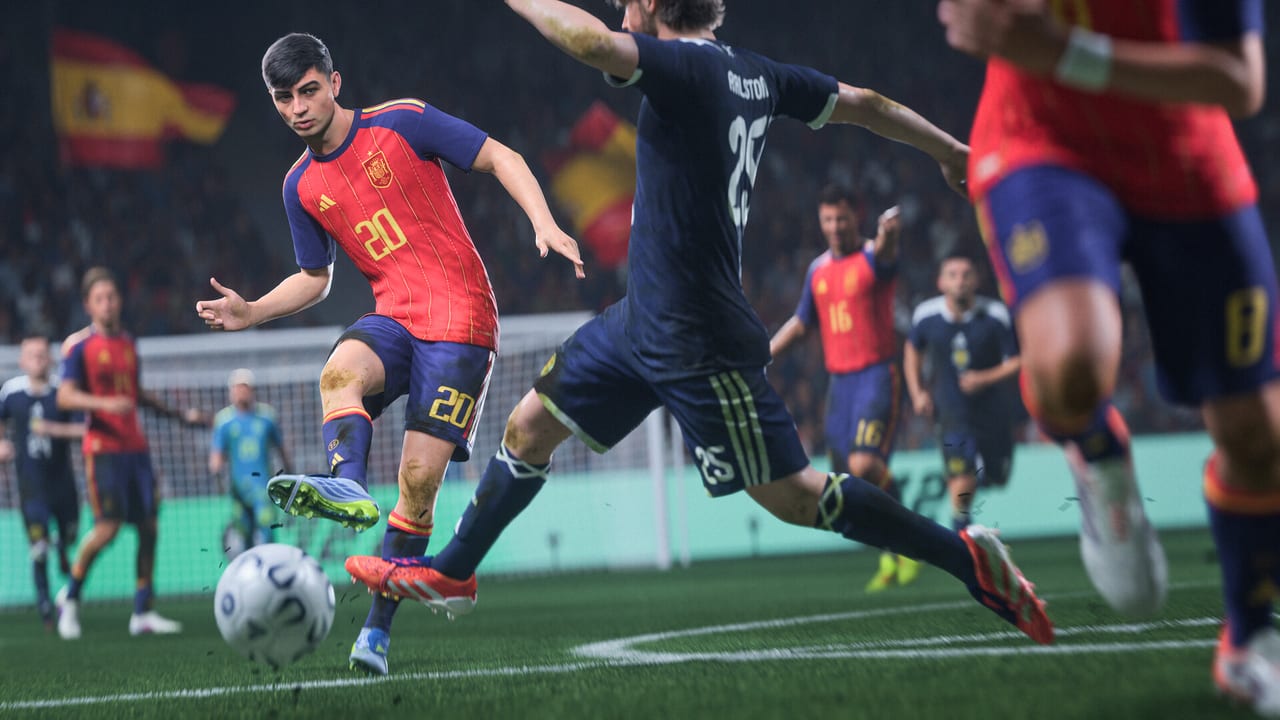
EA SPORTS FC 27 is a cross-gen football sim. The PC spec sheet is official and unusually complete: six named presets, dual-channel RAM called out in writing, and a VRAM column. Worldwide launch is 25 September 2026; Ultimate and Ultimate Plus early access begins 18 September 2026. Use this page to match hardware to a preset, then read editions if you still need to pick a SKU, getting started for first-session setup, and gameplay for what the match engine is actually doing. Official PC Pitch Notes live on EA’s site; the Links Hub collects that Deep Dive with the rest of the catalogue.
Official PC spec table
Targets below are EA’s published expectations, not community benchmarks. Gameplay fps is the match target; cutscenes run at half that on most presets.
| Preset | Target | Resolution / quality | CPU | GPU | VRAM | RAM | OS | Storage |
|---|---|---|---|---|---|---|---|---|
| Minimum | 60 fps gameplay / 30 cutscenes | 720p Low | Intel Core i5-6600K (4C/4T) or AMD Ryzen 5 1600 (6C/12T) | GeForce GTX 1050 Ti or Radeon RX 570 | 4 GB | 8 GB DDR4 dual-channel | Windows 10/11 64-bit | 100 GB HDD |
| Recommended | 60 / 30 | 1080p Medium | Core i7-6700 (4C/8T) or Ryzen 7 2700X (8C/16T) | GTX 1660 or RX 5600 XT | 6 GB | 12 GB dual-channel | Windows 10/11 64-bit | 100 GB SSD |
| High Balanced | 60 / 30 | 1440p High | Core i7-10700 (8C/16T) or Ryzen 7 3700X (8C/16T) | RTX 3060 or RX 6600 XT | 8 GB | 16 GB dual-channel | Windows 11 64-bit | 100 GB SSD |
| High Performance | 80 / 40 | 1080p Medium | Same as High Balanced | Same as High Balanced | 8 GB | 16 GB dual-channel | Windows 11 64-bit | 100 GB SSD |
| Ultra Balanced | 60 / 30 | 4K Ultra | Core i9-12900K (16C/24T) or Ryzen 7 7800X3D (8C/16T) | RTX 4070 or RX 7800 XT | 12 GB | 32 GB dual-channel | Windows 11 64-bit | 100 GB SSD |
| Ultra Performance | 120 / 60 | 1440p High | Same as Ultra Balanced | Same as Ultra Balanced | 12 GB | 32 GB dual-channel | Windows 11 64-bit | 100 GB SSD |
Shared across every preset: DirectX 12 and a 512 kbps online connection. Minimum is the only row that still lists an HDD. Everything from Recommended upward wants an SSD. High and Ultra rows list Windows 11, not Windows 10.
How to read the presets
EA added Balanced and Performance splits so you can spend the same GPU on pixels or frame rate.
- Minimum — 720p Low, 60 fps gameplay. Fine for proving the game boots. Crowded stadiums and cutscenes are the first things to dip.
- Recommended — 1080p Medium, 60 fps. The practical floor for a comfortable PC club.
- High Balanced — 1440p High, 60 fps. Visuals first on an RTX 3060 / RX 6600 XT class card.
- High Performance — same hardware, 1080p Medium at 80 fps gameplay (40 fps cutscenes). Pick this if you own a high-refresh monitor and would rather have headroom than extra pixels.
- Ultra Balanced — 4K Ultra, 60 fps on RTX 4070 / RX 7800 XT class hardware with 12 GB of VRAM.
- Ultra Performance — same hardware, 1440p High at 120 fps gameplay (60 fps cutscenes).
Graphics settings remain customisable. FC 27 also adds Enhanced Ultra Visuals above the Ultra preset; they are off by default and meant for high-end cards that still have VRAM left. A new VRAM indicator in the graphics menu estimates peak usage as you tick boxes. If the bar is over your card, drop a setting before you blame the match engine.
Dual-channel RAM, SSD vs HDD
The spec sheet now writes dual-channel in every RAM row. EA’s example is two sticks (2x4 GB at Minimum, 2x16 GB at Ultra) rather than a single DIMM of the same total size. A lone 8 GB stick that “meets Minimum on paper” can still leave frames on the table. Check your motherboard manual for the correct slots (usually 2 and 4 on a four-slot board).
Storage is 100 GB at every tier. An HDD is supported only at Minimum. Recommended and above list an SSD. EA’s PC Deep Dive is blunt: use an SSD for the best experience. Stadium loads, boot time, and shader hitching are the usual HDD tax. If you are choosing between a GPU upgrade and moving the install to an SSD, move the install first.
Launch stack: EA App, Denuvo, Javelin
FC 27 on PC launches through the EA App even when you buy on Steam (app 4080220) or Epic. Online activation is required. Denuvo Anti-Tamper ships with the title. EA’s Javelin anti-cheat sits in the online path. None of those layers are optional, and none of them are redeem codes. Budget a few extra seconds on first boot while the stack authenticates. EA’s PC Deep Dive reports Steam launch-time work that cut visible startup windows and improved launch times by around 50% on some configurations — results vary by hardware.
Steam Friends now surface through EA Connect, so you can add a Steam friend as an EA Friend without hunting an EA ID by hand. That is a social convenience, not a performance tweak, but it removes a PC-only friction that Clubs and friendlies hit every year.
Keyboard layouts
FC 27 redesigns default keyboard controls. Two layouts ship: WASD and Arrow Keys. Both keep movement on the left hand and map common attacking and defending actions so you are not stretching across the board for a skill move or a tactical slide. Extra shortcuts expose in-match tactic tweaks without leaving the core cluster. Everything remains remappable. If you are coming from a controller, try WASD first; if you grew up on older FIFA keyboard defaults, try Arrow Keys before you rebuild a custom map from scratch.
Consoles, Dual Entitlement, The Grounds
FC 27 is listed for PlayStation 5, PlayStation 4, Xbox Series X|S, Xbox One, Windows (EA App, Steam, Epic), Nintendo Switch, and Nintendo Switch 2. Dual Entitlement lets a PlayStation 4 purchase move to PlayStation 5, and an Xbox One purchase move to Xbox Series, at no extra cost. Features follow the hardware you boot on.
The Grounds, including Clubs, is current-gen only: PlayStation 5, Xbox Series X|S, PC, and Nintendo Switch 2. It does not run on PlayStation 4 or Xbox One. Pre-order Grounds cosmetics (sweatsuit, Mbappé Tier 3 AMP, AXP consumables) only appear where The Grounds exists. Last-gen still plays 11v11 and Career; it does not host the social hub. Nintendo Switch runs the core game but misses some FC 26 crossover bonuses called out on editions. Lite is listed for PlayStation, Xbox, and PC storefronts on 25 September 2026 at 16:00 UTC — EA has not listed Switch for Lite.
A practical PC checklist
- Confirm two RAM sticks in dual-channel slots.
- Install on an SSD unless you are strictly at Minimum.
- Sign into the EA App on the same account you will use in-game.
- After first boot, open graphics settings and watch the VRAM indicator while you pick a preset.
- If you play on keyboard, pick WASD or Arrow Keys before you customise.
- If you bought Steam, add friends through EA Connect rather than a second friends list.
When the client is installed, go to getting started for modes and first-session order, and gameplay for defending, corners, and attacking changes. Storefront and SKU questions belong on editions. Official help articles and Pitch Notes are catalogued on the Links Hub.
Frequently Asked Questions
Launch week answers on editions, The Grounds, Career, and Ultimate Team.
Can I run FC 27 on an HDD?
Only the Minimum preset lists an HDD (100 GB). EA recommends an SSD from Recommended upward. If you have the choice, install on SSD even at Minimum — boot and stadium loads are the usual HDD tax.
Does 8 GB of RAM really meet Minimum?
Yes, if it is dual-channel DDR4 (typically 2x4 GB). A single 8 GB stick is not the configuration EA specified. Ultra examples use 2x16 GB.
Do I need the EA App if I buy on Steam?
Yes. Steam app 4080220 still launches through the EA App with online activation. Denuvo and Javelin are part of the PC stack. Steam Friends are linked through EA Connect.
Which consoles get The Grounds?
PlayStation 5, Xbox Series X|S, PC, and Nintendo Switch 2. PlayStation 4 and Xbox One do not run The Grounds, even with Dual Entitlement. You can still move last-gen copies to current-gen hardware at no extra cost.
Where should I go after I confirm my PC can run it?
Pick a SKU on editions, then follow getting started and gameplay. Official PC Pitch Notes and help articles are listed on the Links Hub.